Illustrative workflow · synthetic model↓ Scroll to open the sectionFIG. 00
01Review
Understand the model.
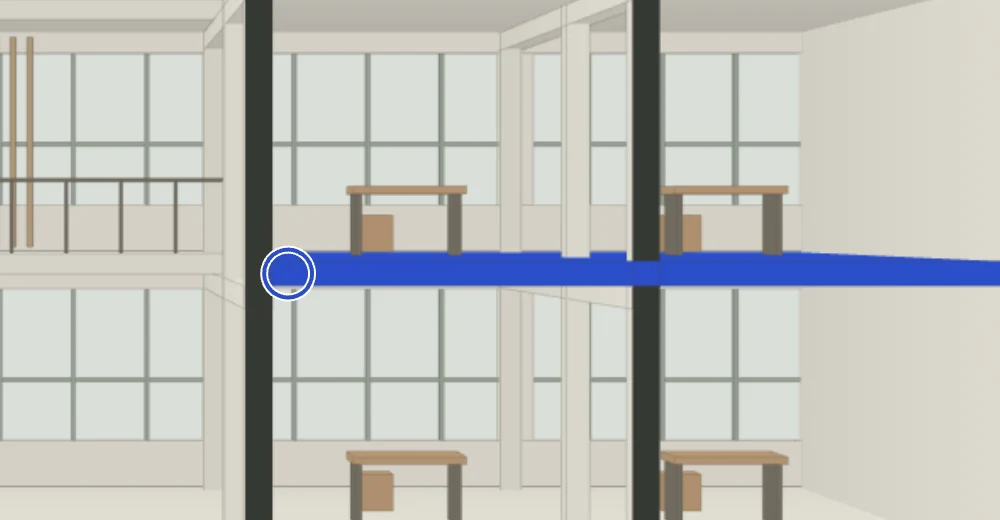
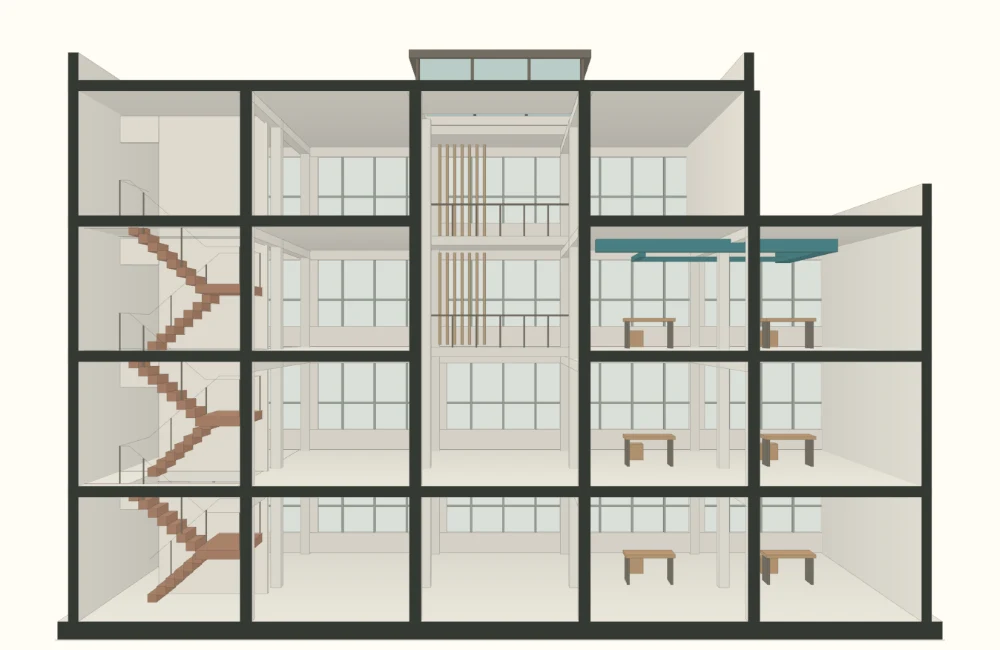
Open and federate supported IFC models. Cut a section to see how spaces and elements relate, then inspect properties or take measurements without losing the wider model context.
IFC review
Sections
Properties
Section detail
Selected slab S–02Level 02Thickness · 260 mm (illustrative)
02Coordinate
Keep issues in context.
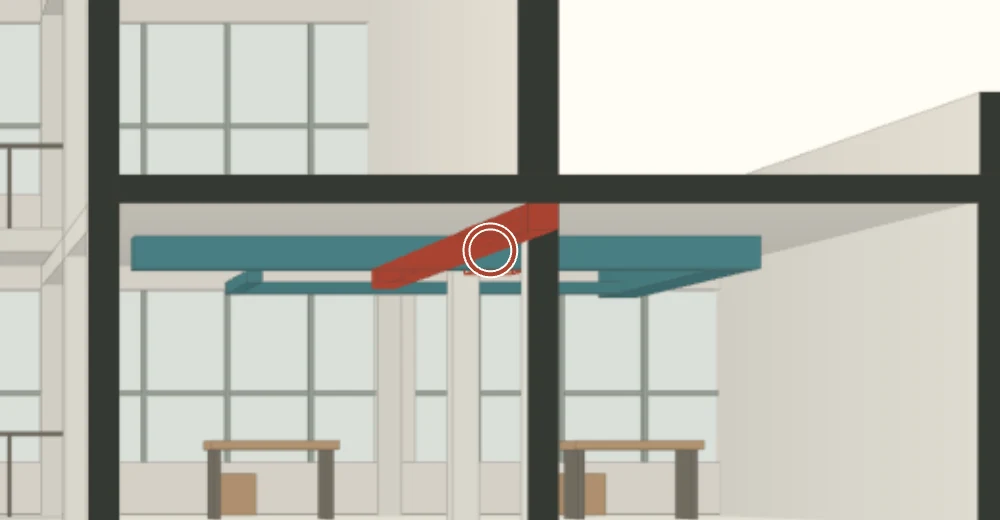
Review where disciplines meet. Inspect an intersection or clearance finding and keep the selected elements, viewpoint and notes with the issue. Exchange supported BCF archives and reports when the finding needs to travel.
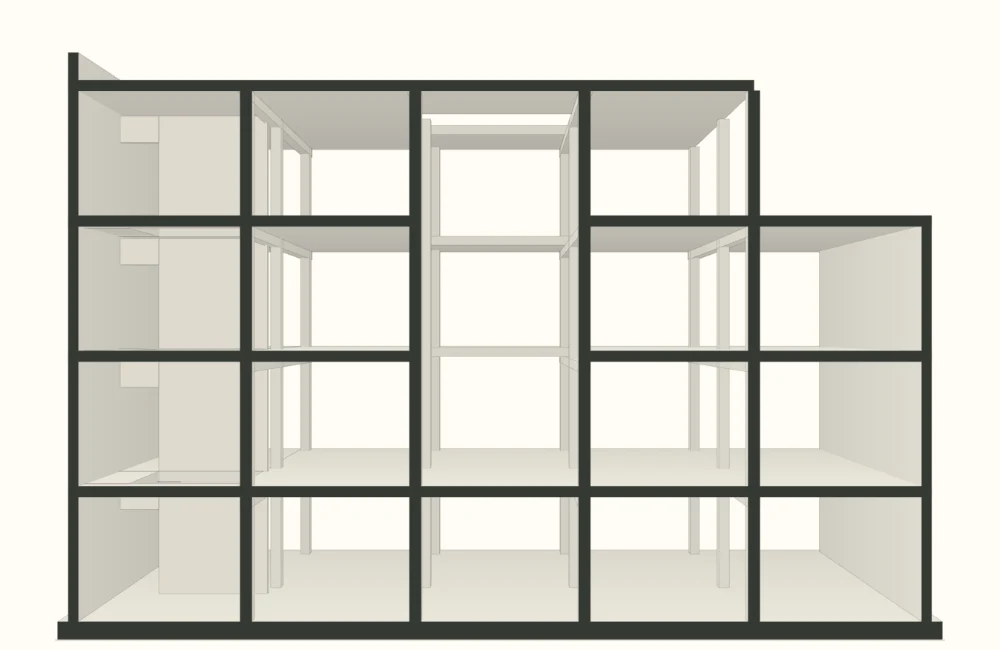
Link programme tasks to model elements and review the linked state at a chosen date. Step through a 4D sequence to see how the structure, envelope and fit-out relate to the schedule.
Task links
Date review
4D playback
01Structure
02Envelope
03Fit-out
Structure
Envelope
Fit-out
Illustrative programme P–0101 · Frame in place02 · Envelope added
04Verify
Compare site evidence.
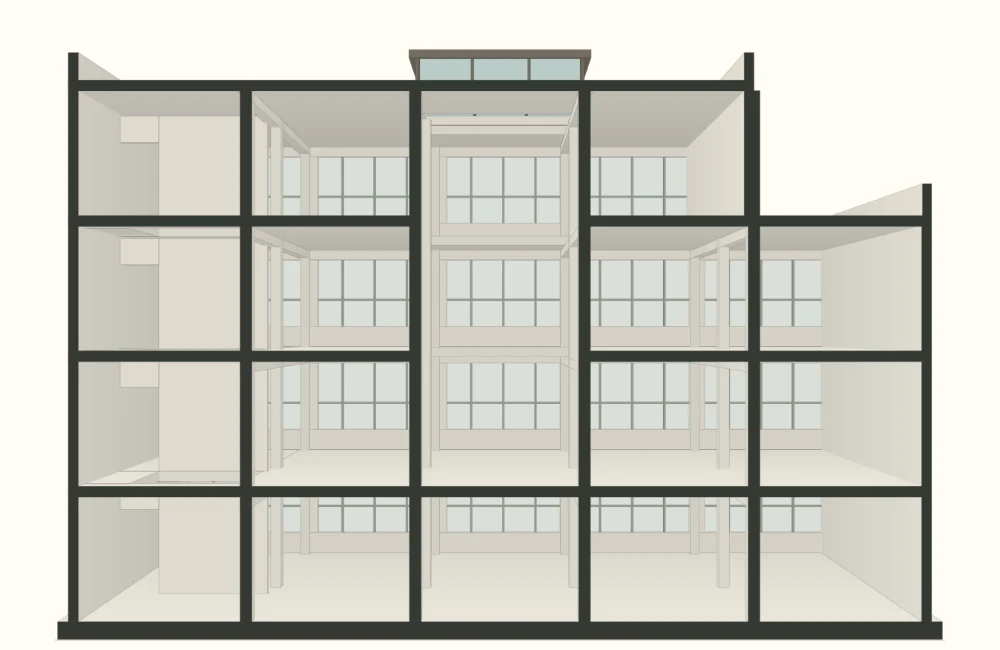
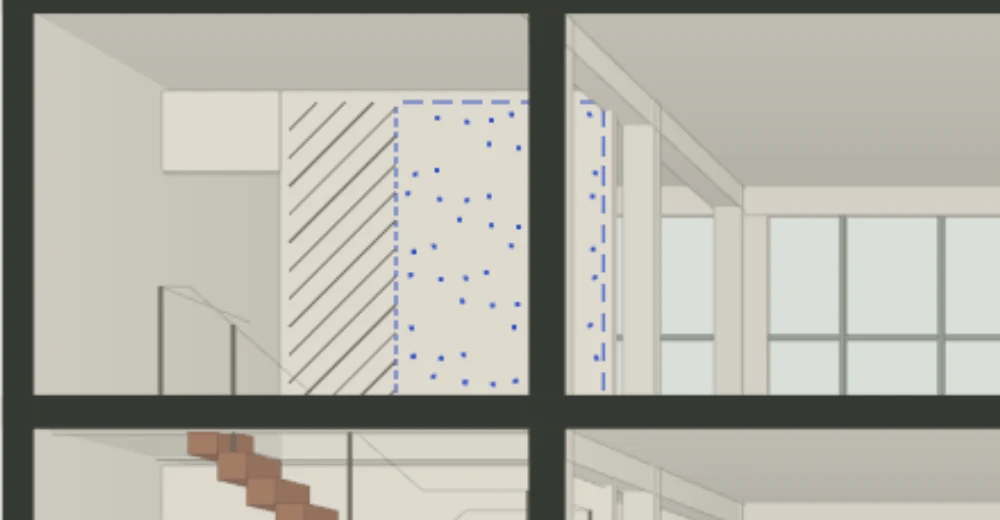
Bring supported point clouds, survey observations and terrain into the review. Compare the available evidence against the model where sources and coordinates permit. Unsampled areas remain unknown.
Point clouds
Survey
Terrain
Synthetic scan sample V–01Stair-core wall · available pointsUnsampled areas · unknown
02Capabilities
From model review to site evidence.
Five connected workflows in the Windows desktop preview.
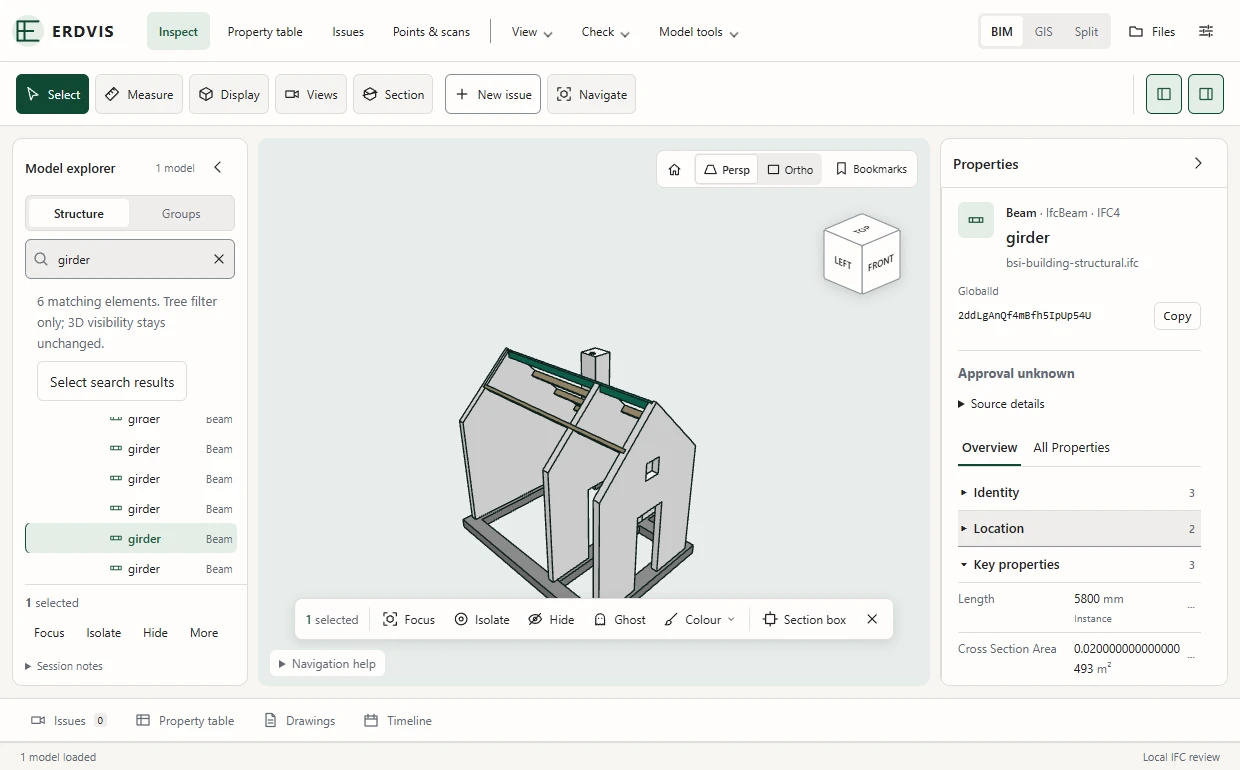
Inside the desktop workspaceERDVIS / IFC4
Property detail · same capture
Actual ERDVIS Inspect interface. This IFC4 sample reports a 5,800 mm instance length for the selected roof beam.
Open and federate supported IFC models. Inspect properties, cut sections, measure geometry and build property tables.
02
Coordination and handover
Run coordination and information checks, track issues, compare revisions and exchange supported BCF archives and reports.
03
Construction planning
Link tasks to elements, review model states by date and play back supported 4D sequences.
04
Survey and site evidence
Review supported survey controls, point clouds, terrain and GIS sources with their coordinate and coverage limits.
05
Local work and optional connections
Core review works offline. Read-only SharePoint access requires setup. The local assistant bridge starts disabled and uses folder and save permissions. Data shared with the assistant reaches the selected provider.
03FAQ
Questions about the preview
Where does ERDVIS run?
ERDVIS is a locally installed Windows desktop preview.
Can I work offline?
Yes. Core local model review works without an account or online service. Optional connections require setup, permissions and a network.
How do I get access?
Send an access request to Lukas with a short note about what you want to review. Lukas can discuss the preview and your intended use.
Access requests are temporarily unavailable. Please check this page again for access updates.
What do the website examples show?
The section, issue, programme and scan use synthetic data. The website illustrates selected workflows. Model and evidence checks run in the desktop application.
04Request access
Want to try ERDVIS on your project?
Tell Lukas what you’re working on and discuss access to the Windows desktop preview.